Connected workflows
One AiVA, multiple connections
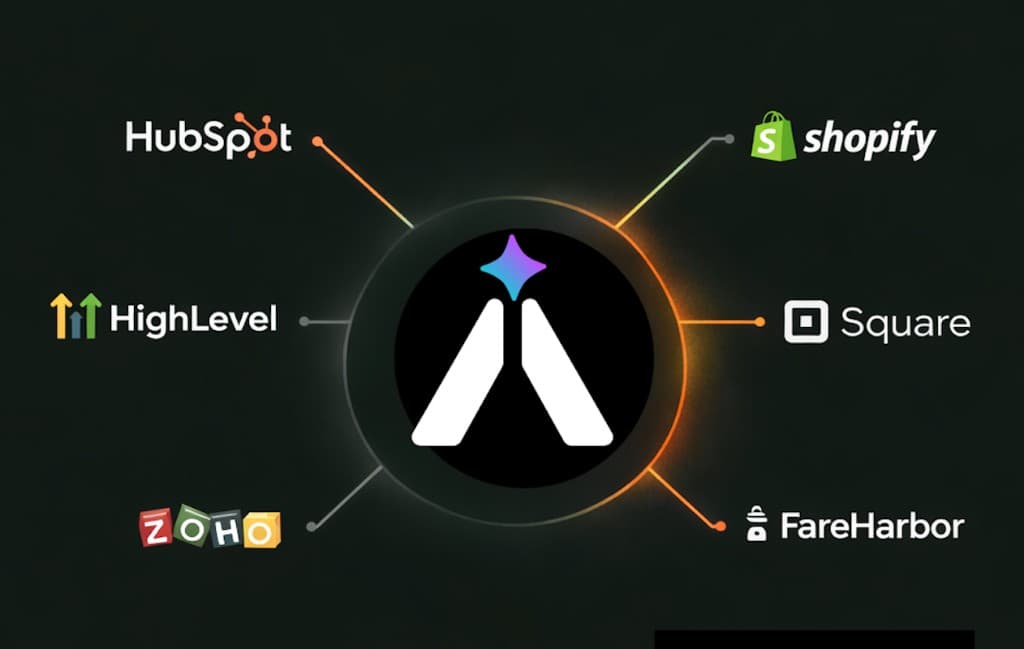
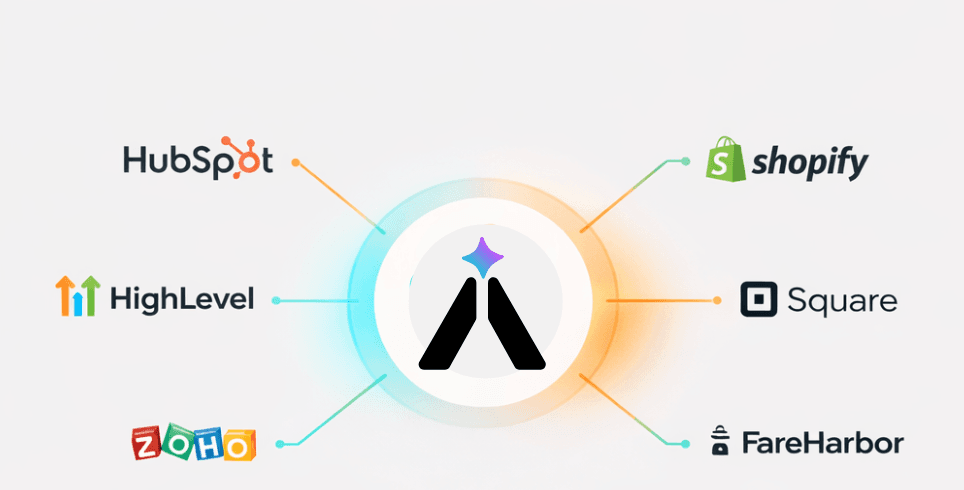
AiVA answers questions and captures lead intent, then passes that context into CRM, booking, commerce, or POS systems.
Integrations
Add CRM follow-up, booking, order support, or voice after the website assistant is working.
Connected workflows
AiVA answers questions and captures lead intent, then passes that context into CRM, booking, commerce, or POS systems.
Workflow integrations
That may be sales follow-up, booking, commerce support, or voice. AiVA keeps the original conversation attached.
CRM and follow-up
Connect AiVA to your existing follow-up stack so inquiries do not stop at the website chat window.
Booking and reservations
Use the assistant to answer common questions, then hand the customer into the right reservation or scheduling flow.
Commerce and support
Keep one assistant across product guidance, order support, and next-step routing when commerce or service workflows need it.
Voice and new channels
Keep web and voice tied to the same business knowledge so customers receive consistent answers.

“AI Integrations is on a mission to make the powerful AI technologies being used by the world's largest companies available to everyone.” · USA Today
Read the USA TODAY featureClients using AiVA today















How to approach it
Start where a lead or customer request currently gets stuck.
If AiVA improves response time and lead quality, connect other systems after the value is clear.
Pass the original question, answer, and lead details into the next system so staff do not reconstruct the conversation.
Not every business needs deep systems work on day one. Integrate the systems that drive real ROI.
Next step
Try AiVA free for 30 days and test it with real customer questions.